Meta Description Length Checker: Write Clear, Useful Search Snippets
A meta description length checker helps you review the size of a page description before publishing it. It can count characters in real time and make it easier to trim unnecessary wording from a draft. Search engines may use the description you provide or generate a different snippet depending on the search query, so length checking is not a promise about exactly what will appear. It is a practical editing tool that helps you create concise, informative descriptions.
What Is a Meta Description Length Checker?
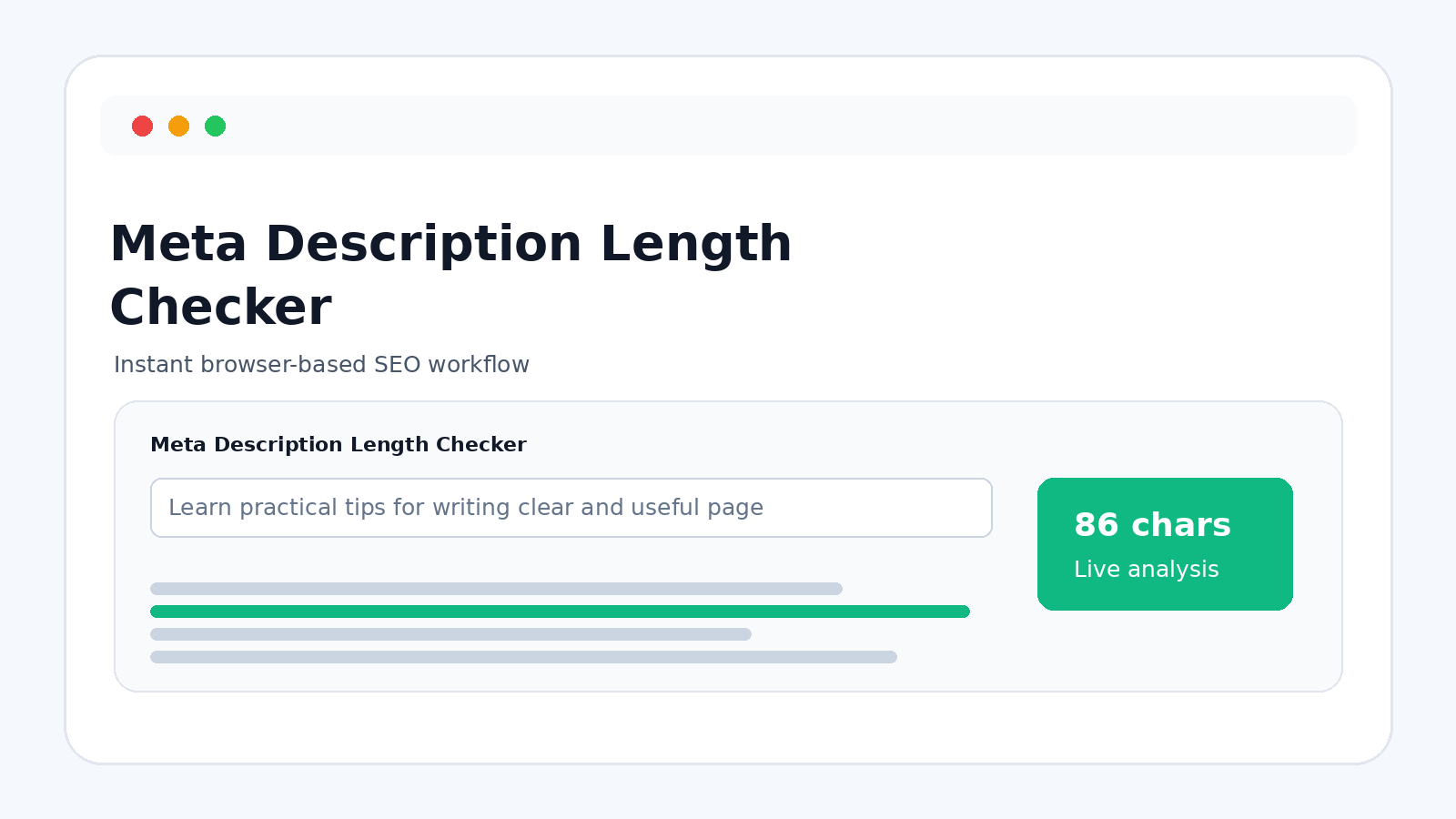
A meta description length checker measures the text you plan to use in a page's meta description field. Instead of counting letters manually, you can paste the draft into a text box and immediately see its length. Some tools add a status indicator or search-style preview. These features make it easier to edit the description before it becomes part of a live webpage.
Why Meta Description Length Matters
A meta description should communicate the page's main value without becoming unnecessarily long. Search result interfaces have limited room, and long descriptions may be shortened or replaced. Very short descriptions can also leave the page's purpose unclear. Reviewing the length is one useful part of the process because it encourages concise writing and helps prevent descriptions from becoming unnecessarily repetitive.
How to Check a Description
Paste the description into the checker and read the live character count. If the text is longer than your preferred working range, remove filler words and keep the most useful information. If it is extremely short, add meaningful context rather than repeating keywords. Read the final version as a short piece of copy. It should make sense on its own and accurately reflect what a visitor will find on the page.
Length Guidelines Are Not Fixed Rules
There is no permanent character limit that guarantees a description will display exactly as written. Search engines adjust snippets based on many factors, including the query and the content of the page. Different letters also use different amounts of visual width. For this reason, a checker should be used as a practical guideline. The goal is a clear description that is compact enough to work well in a search interface.
What Should a Good Meta Description Say?
A useful description summarizes the page in natural language. Explain what readers can learn, compare, download, calculate, or accomplish. Keep the wording specific and avoid generic phrases that could apply to every page on the site. When appropriate, communicate a clear benefit without making exaggerated promises. The description should support the page rather than trying to trick people into clicking.
Common Meta Description Mistakes
One common mistake is stuffing several versions of the same keyword into a short paragraph. Another is writing a description that does not match the page. Empty phrases, excessive punctuation, and vague claims can also make the snippet less useful. A length checker can identify size problems, but good writing still requires human review. The final description should be accurate, readable, and connected to the actual search intent the page serves.
Meta Descriptions for Different Page Types
An article can use a description that summarizes the problem it solves. A tool page can explain what the calculator or generator does. A product page can focus on important product information, while a service page may emphasize the service's main benefit. Matching the wording to the page type is more useful than applying one generic sentence to everything.
Helpful Features to Look For
A good meta description checker should provide a clear text area, instant character counting, a copy control, and a simple visual status. A search-result preview can make the editing process easier because it shows the text in context. Mobile-friendly design is also important. Since the task is lightweight, fast browser-side processing is usually enough and keeps the workflow simple.
Tips for Writing Better Descriptions
Write the description after you understand the page. Mention the main topic early, use natural language, and remove words that do not add useful information. Keep it specific rather than filling space with repeated terms. Read it from the perspective of someone who has never seen the page before. Would they understand what the page offers? If the answer is yes, the description is doing its job.
A Practical Step Before Publishing
A meta description length checker turns a small editorial task into a quick, repeatable process. Draft the description, check the character count, improve the wording, and review it against the page. This approach avoids obsessing over an exact number while still giving you a useful formatting signal. When combined with accurate content and clear writing, the checker can make routine SEO work faster and more consistent.
Writing Descriptions That Match Search Intent
A strong description should reflect the reason someone would visit the page. If the page teaches a process, describe what the reader will learn. If it provides a tool, explain what the tool helps them do. This alignment creates a more useful snippet than a collection of generic marketing phrases. The description should support the page's purpose rather than trying to cover every possible keyword.
Edit for Clarity Before Publishing
Length is only one part of a good meta description. Read the text aloud and remove awkward phrases, unnecessary adjectives, and repeated information. Check punctuation and make sure the sentence still makes sense when shown by itself. Then compare it with the actual page. When the snippet accurately summarizes the destination, it becomes a more useful piece of search-result copy.